There is a massive gap between reading an AI product announcement on X and actually spinning up an autonomous multi-agent framework on your local machine. The marketing gloss makes it look like magic: you drop an API key, type a prompt, and a fleet of digital entities handles your workload.
But if you are a hands-on builder—even when specializing in Artificial Intelligence like I am—the reality of the terminal hits you fast.
Over the last 48 hours, I have been locked in an intense cycle of configuration, failures, and minor victories trying to orchestrate a personal, multi-channel agent network using OpenClaw. My goal was simple: build an autonomous pipeline where a specialized coding agent works alongside a multi-format content agent capable of taking my project logs and spinning out polished LinkedIn posts, Medium articles, tweets, and blog content concurrently.
It took far more time and a lot more troubleshooting than I anticipated. If you are thinking of diving into self-hosted agent orchestration, here is a transparent look at the architectural friction, the Linux roadblocks, and the ultimate setup that I finally got running today.
The Infrastructure Stack Under the Hood
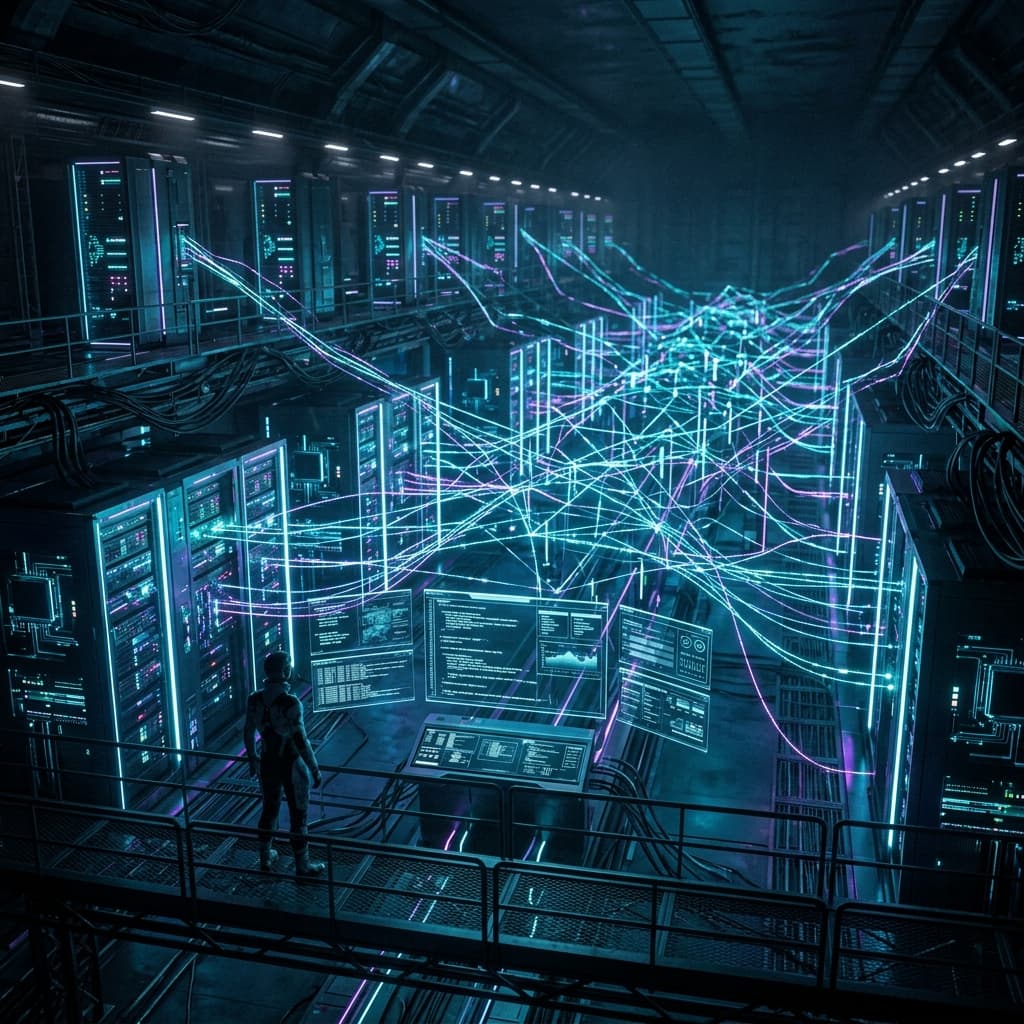
When you construct a local agent network, you aren't just sending a string to a web interface. You are setting up a local control plane that maps abstract human instructions to structural terminal actions, file operations, and multi-turn API loops.
As shown in the architecture layout below, a serious agent deployment requires decoupling your routing from your inference engine. For my setup, I deployed:
- The Orchestration Layer: OpenClaw running as a local gateway background daemon. OpenClaw handles the routing, session isolation, and tool execution policies across my workspace.
- The Brain (LLM Engine): Google's newly released Gemma 4 31B Instruct model. Because OpenClaw requires models with a wide context window and native function-calling capabilities to effectively navigate agent-subagent communication, Gemma 4’s dense 31B parameter reasoning architecture is the perfect sweet spot for running complex loops without bottlenecking my budget.
- The Memory Layer: Plain text Markdown and YAML files stored locally under my home directory (
~/.openclaw/workspace/), acting as a version-controlled, searchable memory database.
The Implementation Journey: A Sequence of Trial and Error
Because I live more on the full-stack development and AI architecture side than deep system administration, my Linux configuration skills are a work in progress. And that is exactly where my entire setup almost collapsed on day one.
- The Root Account Blunder: Day 1 - Morning.
I initially installed OpenClaw globally using therootuser to avoid dealing with repeated permission prompts. The gateway daemon initialized, and the basic configuration files were created successfully under the root directory. - The Homebrew Roadblock: Day 1 - Afternoon.
When I tried to install the systemic dependencies and browser automation packages needed for my agents, I hit a hard wall. Homebrew explicitly blocks execution under root privileges due to security guardrails. Without Homebrew, my local OpenClaw gateway couldn't spin up the isolated sandboxes required for tool use. - The High-Stress Migration: Day 1 - Night.
I had to manually migrate the entire OpenClaw framework, background daemons, and configuration profiles from therootdirectory over to my non-root personal user (perol) environment. The migration process came dangerously close to corrupting the local session tokens and file permissions. After an intense sequence of terminal debugging, manualchowncommands, and path fixes, I safely restored the system state under the standard user profile. - Orchestrating the Multi-Agent Loops: Day 2 - Today.
With the infrastructure stabilized, I spent today building the automated interaction paths between my agents. I configured a primary Orchestrator to split tasks into a dual-agent cluster: a Coding Agent designed to run script executions and tests, and a Content Generation Agent optimized to take raw output text and dynamically format it across separate platforms simultaneously.
What I Learned About Agent-to-Agent Interaction
Setting up this architecture forced me to move beyond simple prompt-and-response paradigms and understand how autonomous subsystems communicate.
When you configure an agent-subagent pipeline using a model like Gemma 4 31B, you aren't just writing instructions; you are designing an interaction protocol. The primary agent handles the initial intent parsing and routes specific execution schemas to the sub-agents.
The biggest revelation was watching how the agents handle context handoffs. For instance, if the content agent is tasked with writing a LinkedIn post about a script the coding agent just generated, it doesn't just read the code file blindly. It checks the session logs, reviews the execution state, and pulls the relevant structural data directly from the OpenClaw workspace directory.
Seeing these autonomous background tasks execute successfully after so many structural failures completely changes how I view software efficiency. The automations aren't 100% polished yet—there are still edge cases where the API routing errors out if the context gets too messy—but the core pipeline is up and running.
What's Next on the Terminal
This 48-hour sprint was a humbling reminder that building in the AI era still requires getting your hands dirty with legacy system configuration. You can understand the high-level theory of transformer models completely, but a basic Linux user permission error will still ground your autonomous cluster instantly if you aren't paying attention.
The effort, however, is entirely worth the friction. I now have a local, self-hosted, private workspace running an elite open-weights model that can scale my digital content output while I focus on system architecture and code logic.
Tomorrow, I’ll be diving back into the terminal to finalize the automation triggers, tighten the tool-use permissions, and lock down the background cron jobs. Expect a full technical update and a breakdown of the final configuration files once the last of the alignment bugs are squashed. If you are building your own local systems: check your user permissions before you run the installer.